Food & nutrients
Meals, snacks, portions and estimated calories, protein, carbohydrates, fat and fiber. Revisit and adjust individual food entries.
Your health diary
Meals, water, symptoms and medication are easier to understand when they share a timeline. Keep the details today that you’ll want to remember tomorrow.
Download on the iOS App StoreDaily tracking · Trends · Visit-ready reports
Your record starts in Today
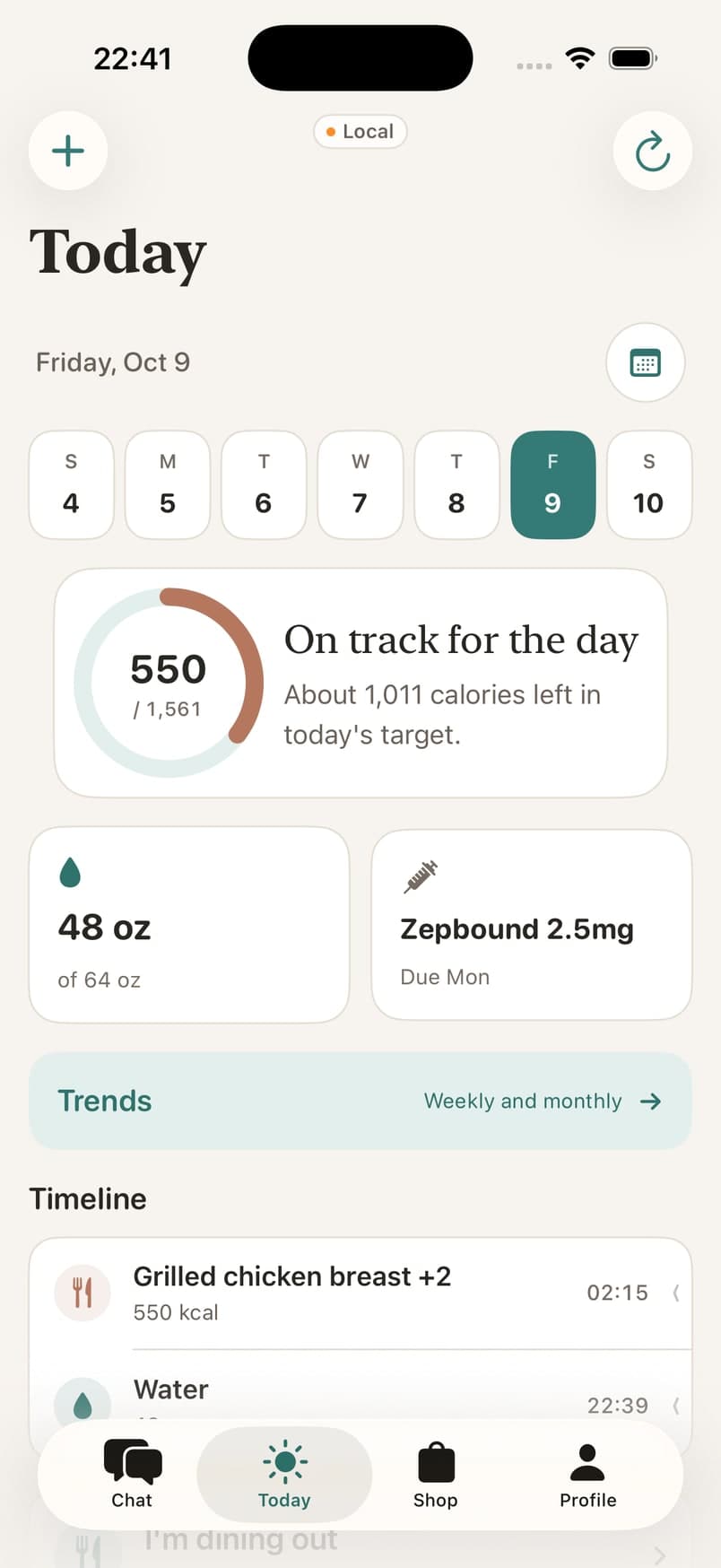
See your nutrition and hydration totals, review what you logged, and add the details you missed. Your record stays editable because real life rarely arrives perfectly organized.
Alongside meals, keep symptoms, bowel movements, weight and GLP-1 dose history. Use dates, severity and notes to give your next conversation more context.
Meals, snacks, portions and estimated calories, protein, carbohydrates, fat and fiber. Revisit and adjust individual food entries.
Drinks, quantities and times throughout the day, with a daily total you can review in Today.
Symptoms, their severity, bowel movements and personal notes. Keep track of when discomfort occurred alongside your food record.
Medication name, dosage, administration date and oral or injection details. Keep dose history and symptoms together for discussions with your prescriber.
Starting, current and goal weight, progress over time and regular weigh-in reminders.
Connect Apple Health to include steps, active energy, exercise time, resting heart rate, sleep and workouts when available.
From Today to Trends
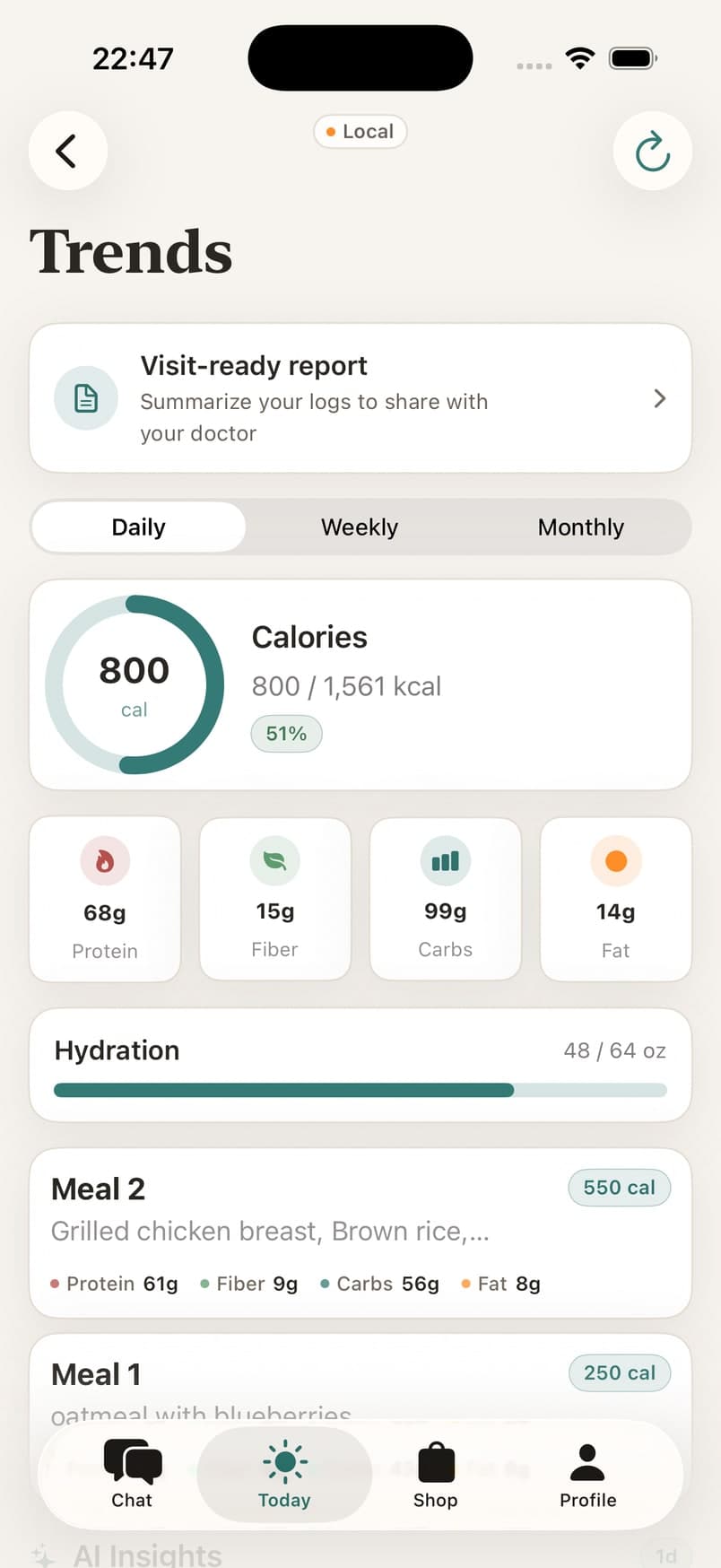
Trends brings your recorded health information into a longer view. Review changes in symptoms and nutrition, then explore AI insights that can highlight possible relationships.
A suggested relationship is a starting point for reflection. It does not prove that a particular food caused a symptom. Consistent, accurate entries and your clinician’s judgment matter.
Explore our symptom guidePrepare for your next appointment
Open the visit-ready report from Trends, choose a reporting period and review the summary. Share a PDF through your iPhone’s share sheet with the person or service you choose.
A few useful details
No. You can keep a diary using your own entries. Apple Health is optional and adds supported activity, sleep and workout information when you grant access.
Yes. Review entries in your diary and update meal details, hydration, symptoms or medication records when needed.
A pattern in your logs is not a diagnosis or proof of causation. Use it to prepare questions for your clinician, especially before restricting foods or changing treatment.
The report is shared through the iPhone share sheet you open. Choose the recipient or destination yourself; review the information before sending it.